Admins can invite new members to collaborate within the organization.
To invite someone:
- Go to Team management.
- Click Invite team member.
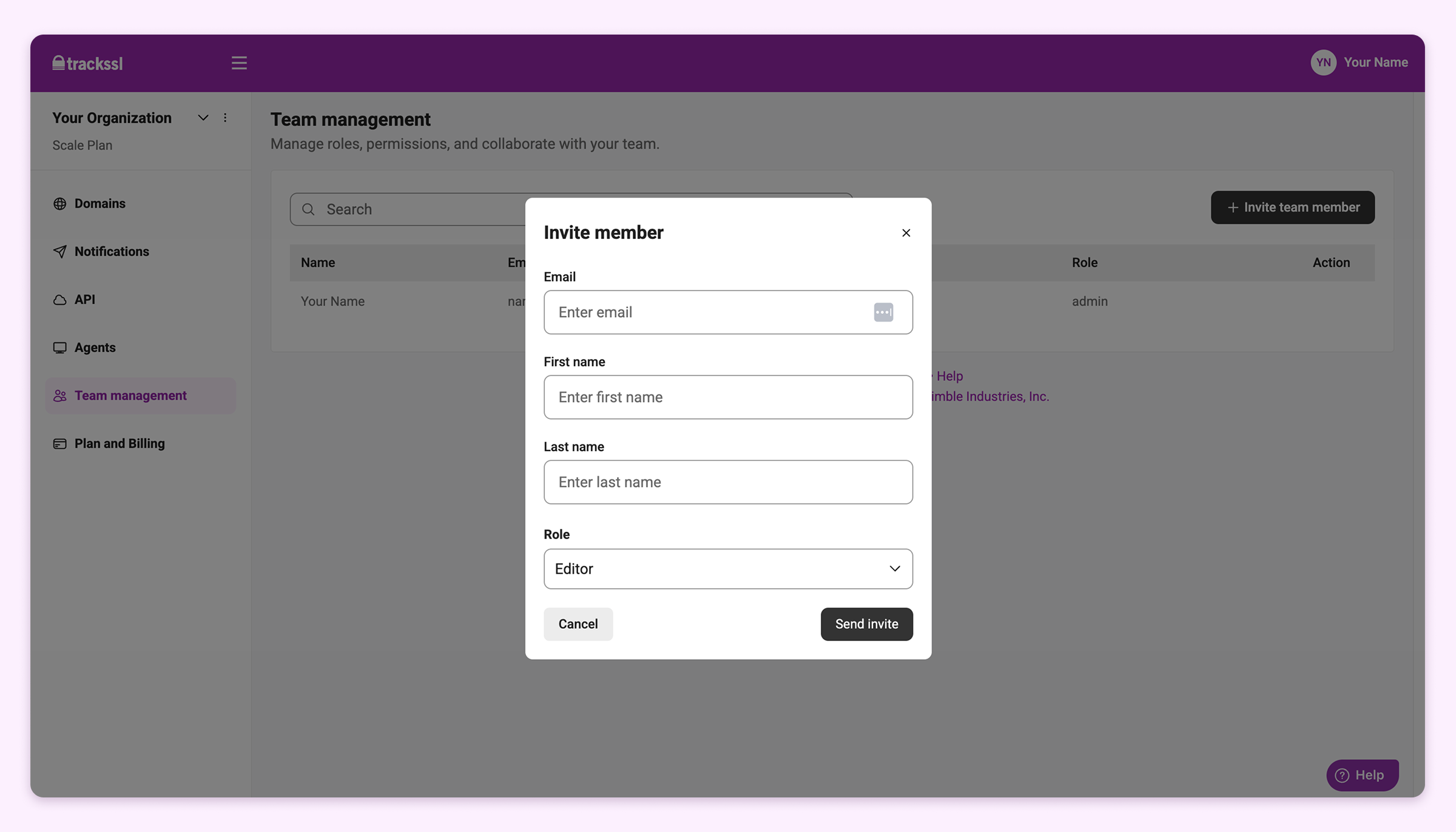
3. Enter the user’s:
- First name
- Last name
- Role (Admin or Editor)
4. Click Send invite.
Invited users appear as Pending until they accept the email invitation.